
A video freezing in the middle of a video conference, a download stalling for long minutes: these situations often reveal a problem that doesn’t come from your internet service provider. The internet connection at home depends as much on your internal network as on the line that arrives at your home. Before considering a change of plan or purchasing equipment, it’s essential to precisely identify the source of the slowdown.
Wifi problem or line problem: the diagnosis that changes everything
Have you noticed that the speed varies from room to room, or depending on the time of day? This observation already guides the diagnosis. A low speed throughout the house, even when connecting an Ethernet cable directly to the box, points to a line or eligibility issue. A correct speed via cable but poor over wifi indicates an internal wireless network problem.
To determine this, connect a computer to your box with an Ethernet cable and run a speed test. If the result matches what your subscription promises, the problem comes from your wifi network, not your provider. Conversely, if the speed is limited, it’s the line itself that restricts your usage, and subsequent wifi adjustments won’t change that.
This preliminary diagnosis prevents you from investing in a wifi repeater or a mesh system when the real issue lies upstream. To compare the available offers at your address, you can check the internet exclusivity on Only Internet and verify your fiber or 5G eligibility.
Ethernet cable and 5 GHz band: two underutilized levers
Wifi is convenient, but it remains a compromise. Every wall, every door, every electronic device between your box and your terminal degrades the signal. For demanding uses (video conferencing, gaming, fixed workstations), the Ethernet cable offers the most stable and fastest connection.
Running an Ethernet cable to a desk or TV station is not complex. Cables come in various lengths and can be discreetly attached along the baseboards. The gain is immediate: reduced latency, constant speed, zero interference.
For devices that remain on wifi, the frequency band used makes a real difference. Your box typically emits on two bands:
- The 5 GHz band delivers a higher speed, but its signal does not penetrate walls well. It is suitable for devices located in the same room as the box or in close proximity.
- The 2.4 GHz band travels further and better overcomes obstacles, at the cost of a lower raw speed. It remains the best choice for a device that is far away or separated by several partitions.
- Some devices (smart objects, speakers) only support 2.4 GHz. Grouping them on this band frees up bandwidth on the 5 GHz for your heavy uses.
The administration interface of your box often allows you to separate these two networks or check which band each device connects to. Smartly distributing your devices between the two bands improves the connection quality for the entire household.
Box placement and wifi interference: common mistakes
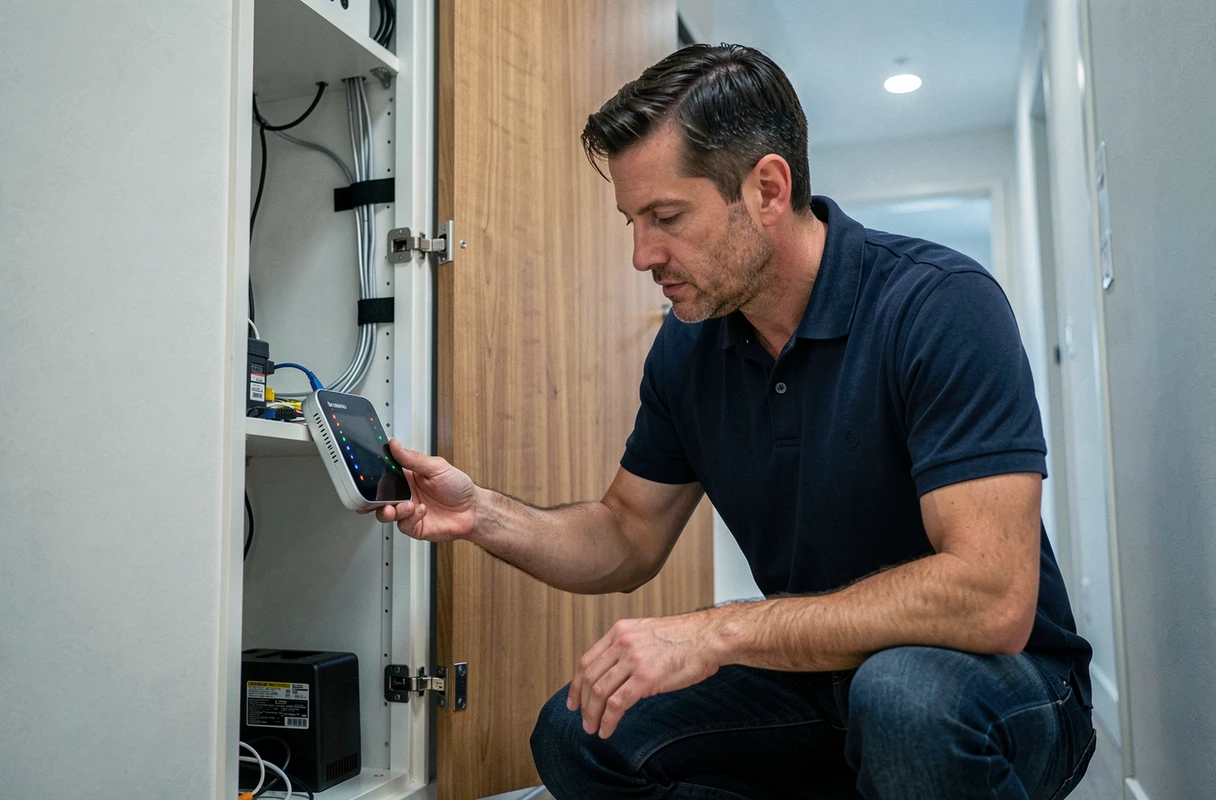
Placing the box in a closed closet, at floor level, or in an extreme corner of the home remains one of the most frequent causes of poor wifi. The signal spreads in all directions from the antenna. A central and elevated location maximizes coverage.
Why does this choice of location matter so much? Wifi uses radio waves. They are absorbed by load-bearing walls, concrete floors, and damp partitions (bathrooms). They are also disrupted by certain electronic devices: microwaves, baby monitors, Bluetooth devices.
Moving the box a few meters away from these sources of interference is sometimes enough to restore a decent signal in adjacent rooms. If your home spans multiple floors or exceeds a hundred square meters, a wifi repeater or a mesh kit takes over where the signal weakens.
Wifi repeater or mesh system: which one to choose
A repeater captures the existing signal and retransmits it. Its drawback: it divides the available speed since it uses the same channel to receive and transmit. A mesh system, on the other hand, creates a unique network with multiple nodes that communicate with each other on a dedicated channel. The mesh maintains a consistent speed throughout the home, but costs more than a simple repeater.
For a medium-sized apartment with one or two dead zones, a well-placed repeater is usually sufficient. For a multi-level house, the mesh provides clear comfort.
Wifi network security: a performance factor often overlooked
Configuring the security of your network is not just to prevent neighbors from connecting. An outdated encryption protocol like WEP or TKIP can also degrade the speed and compatibility of your newer devices.
The WPA3 protocol is the latest and most efficient. If your box or router does not yet support it, a WPA2/WPA3 transitional mode is the best compromise. This option can be found in the wifi security settings of the administration interface.
Also check the number of connected devices. A consumer box shares its bandwidth among all active terminals. Disconnecting unused devices or limiting automatic updates to off-peak hours frees up bandwidth for priority uses.

Switching to fiber optic, when available at your address, remains the most significant change in terms of speed and stability. But without a properly configured internal network, even a fiber connection won’t reach its full potential beyond the Ethernet cable connected to the box. Optimizing your internal network before changing plans allows you to truly utilize the speed for which you pay each month.